Mobile reference app that organizes tech tips into searchable categories
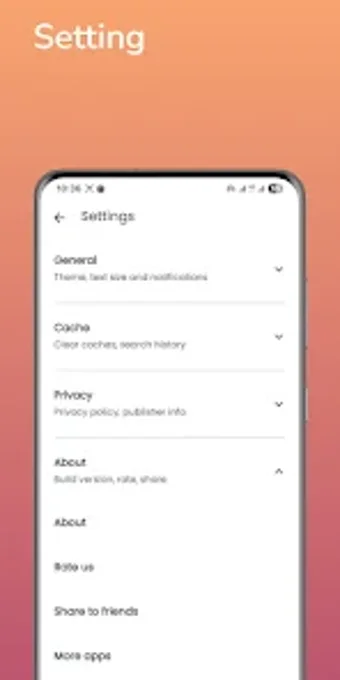
Meba Pro presents categorized educational content and tech tips in a searchable mobile layout, with onboarding screens that introduce navigation and bookmarking. The app comes from TAF ZONE and targets Android users seeking compact reference material. Key elements include a search field, a Favorites system for offline access, and a minimalist interface designed for readability. It fits students and tech-interested learners who need quick access to curated tips on a low-storage device.
What the app does for quick reference
Meba Pro collects tech and educational entries into category pages, letting users browse grouped material rather than random articles. The interface uses an interactive, modern design and onboarding screens to guide first-time users through the layout. The app also includes an integrated search function to locate topics directly and a Favorites system that saves items for later review or offline access.
How it supports self-directed learning
The app adopts a reference-first approach that suits short study sessions. Search and category browsing let learners jump to specific facts or tips, while Favorites create a bespoke set of items for repeated review. The app’s small installation footprint, about 15–35 MB, makes it easy to install on devices used in classrooms or by individual students with limited storage.
Who can use it and accessibility limits
Targeted at students, tech enthusiasts, and general learners, the app requires Android 6.0 or later, which defines the minimum device capability. The developer provides clear navigation via onboarding, but content updates and some search features need an internet connection to fetch the latest material. The app’s minimalist presentation prioritizes readability over multimedia lessons or interactive assessments.
A compact, readable reference for learners who need quick tech tips
Meba Pro suits learners who want immediate access to categorized tech information on modest Android devices; the app’s small install size and Favorites feature support on-device study. Expect a primarily text-based, reference-style experience rather than graded lessons or built-in progress analytics. For users seeking a lightweight mobile companion for short study sessions, the app provides a focused, easy-to-carry resource with clear navigation.